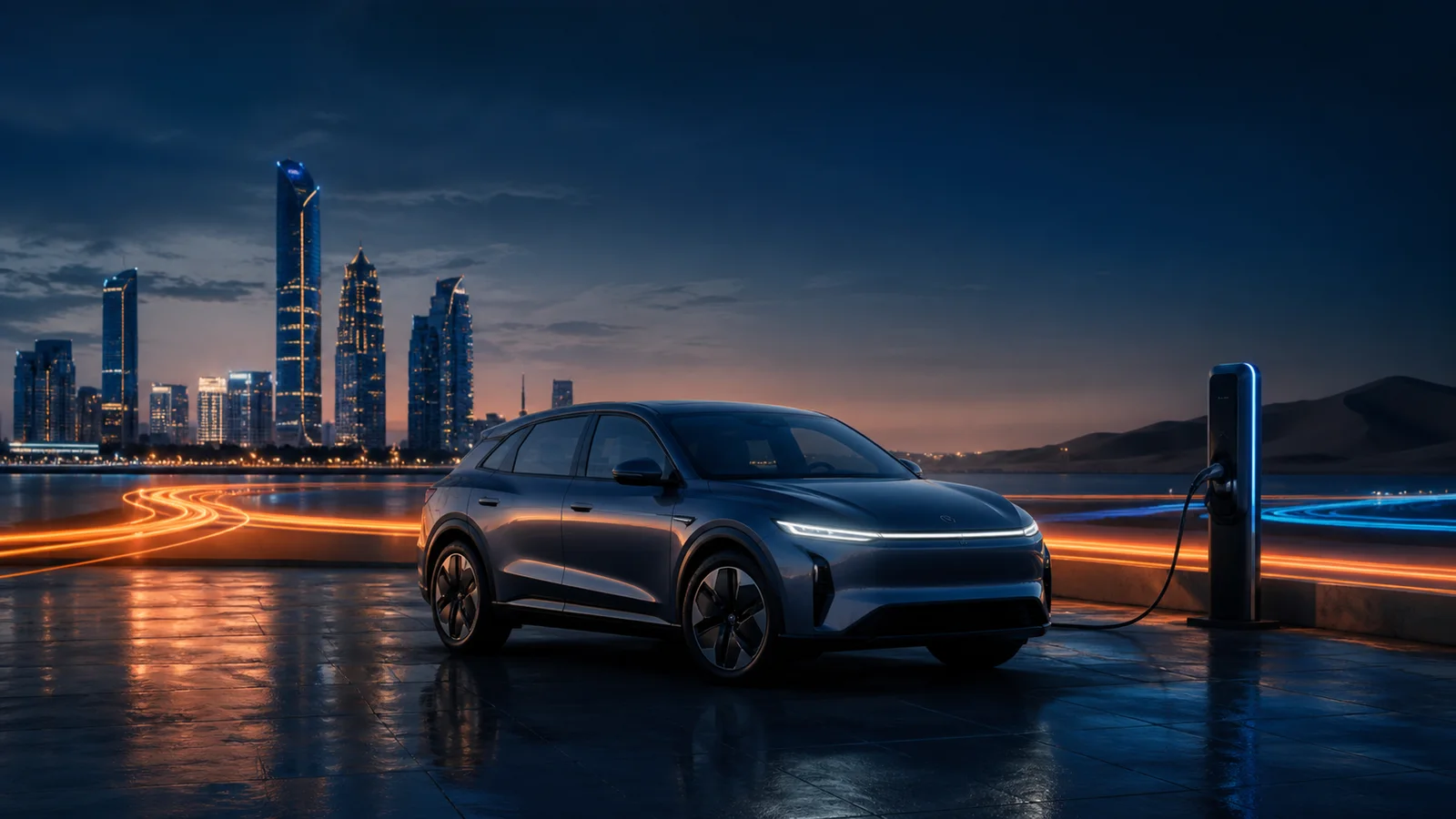
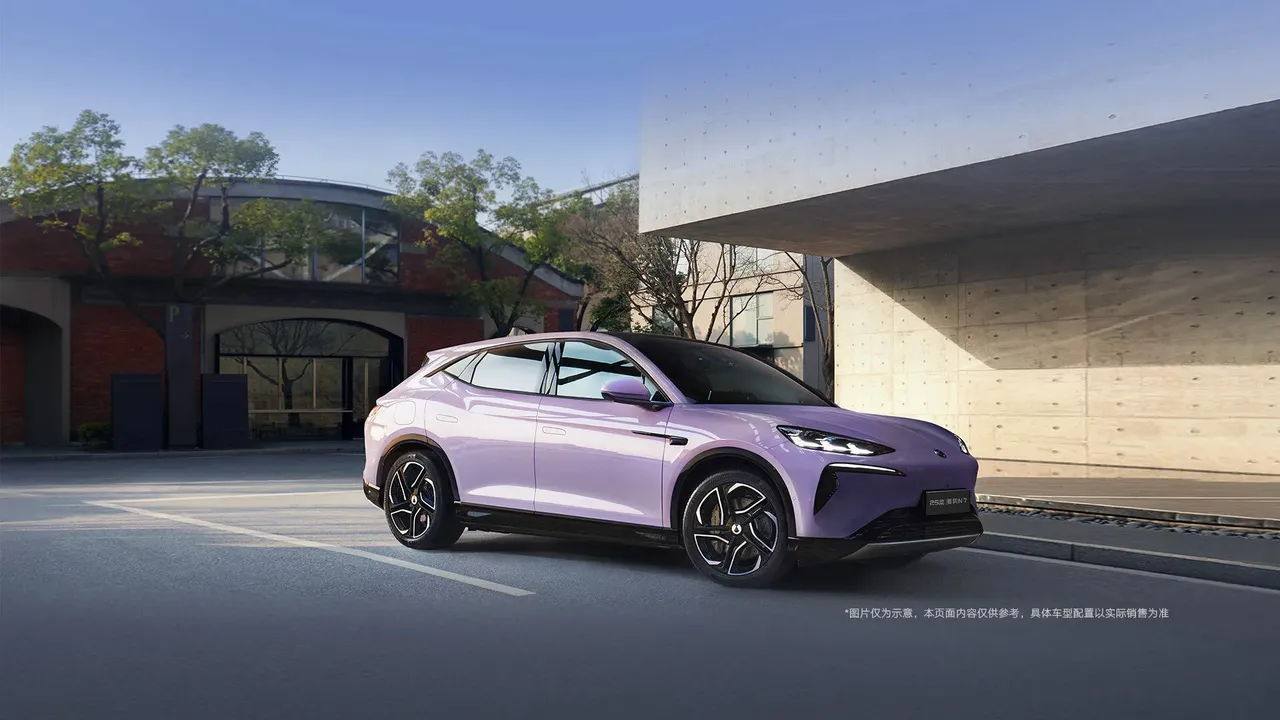
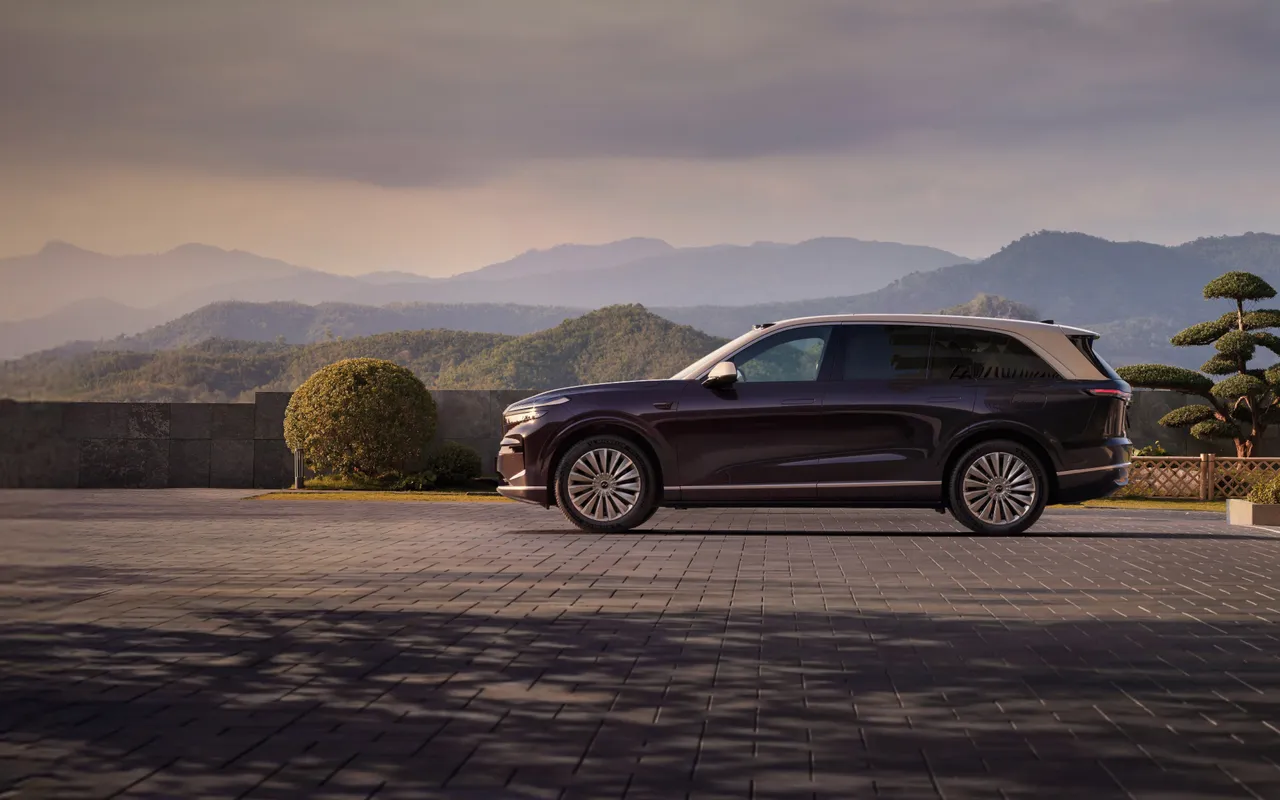
Passion S is Voyah's pre-launch electric coupe-SUV. This guide uses reveal data and Chinese regulatory filings only, leaving unpublished pricing, charging and equipment unguessed.
The car is still pre-launch and only the China build has been shown. Treat voice control as Chinese-only: Arabic and English support are not officially documented, and translated commands here explain meaning rather than guarantee recognition.
❄️ Climate
Community
Climate on
This is a meaning translation only; no spoken phrase is documented for this version.
❄️ Climate
Community
Set 23°C
This is a meaning translation only; no spoken phrase is documented for this version.
🪟 Windows
Community
Driver window down
This is a meaning translation only; no spoken phrase is documented for this version.
🅿️ Parking
Community
Surround view
This is a meaning translation only; no spoken phrase is documented for this version.
ℹ️ Info
Community
Read range
This is a meaning translation only; no spoken phrase is documented for this version.
⚡ Charging
Community
Charge port open
This is a meaning translation only; no spoken phrase is documented for this version.
Voice command library — verified members only
Join free and verify your email + phone to unlock every command in Arabic, English and Chinese — with audio playback and saved shortcuts.
Verify once — it unlocks member perks across the whole platform.
Apps & Software
Official companions, cockpit software, and tools every owner needs — with Gulf availability notes.
Import Screen Toolkit
Verified
Third-party
The community-proven kit to get YouTube, Google Maps and an Arabic keyboard onto your imported car's screen
•GBox (free): runs Google services — YouTube, Google Maps, Netflix — in a sandbox on GMS-less screens
•Aurora Store (free, open source): download Play Store apps with no Google account, straight from the screen
•Gboard: Arabic/English typing replacing the Chinese-only factory keyboard on imports
•Google Maps or Waze on the factory screen — full Gulf coverage unlike the Chinese factory nav
•Install: ADB from a laptop (adb install -g) — the same path i99dash uses. On BYD install AppManager first to unlock installs
Proven by thousands of owners (XDA + Russian and Gulf communities). Verified caveats: BYD removed ADB in v1.7+ (newer units need a downgrade or an AI Box), OTA updates can wipe apps, and video on the driver screen while moving is illegal and unsafe. APKs must be arm64-v8a.
Adds Apple CarPlay and Android Auto to any Android car screen
•Full CarPlay + Android Auto, wired and wireless
•No wiring changes — plugs into USB, fully reversible
•Online firmware upgrades via the AutoKit app
Thousands of Amazon owner reviews — the standard in the head-unit scene. On newer locked BYD DiLink units owners use the AI Box hardware variant instead of the APK — warranty-safe and non-invasive.
Unlocks YouTube, IPTV, video and web browsing inside Android Auto — free and open source
•Local video, IPTV (m3u) and YouTube on the car screen via Android Auto
•Built-in web browser and screen mirroring
•Works without root on Android 14/15/16
Installs on your phone (not the head unit) and needs developer mode + Unknown sources in Android Auto settings. For cars with Android Auto. Video while driving is unsafe and illegal — passengers and parked use only.
An app store of 100+ screen-adapted apps for Li Auto and Zeekr — installed from a laptop or the MagicBox dongle
•Apps re-scaled for the car displays (nav, video, music)
•Installs on all three Li Auto screens incl. the rear
•Re-install support after OTA updates
The de-facto standard in the Russian Li Auto community (Russian UI). Gulf owners can replicate the same result free via plain ADB (adb install -g) — the service just adds convenience and a curated catalog.
•Works with any ELM327 Bluetooth adapter (~$10-30)
•Reads/clears fault codes on most brands
Used-buyer alert: true battery health (SOH) is NOT exposed via standard OBD on BYD — you get SoC and voltages only. For an authoritative report before buying a used BYD: dealer diagnostic (VDS) or a pro tool like the Foxwell NT710.
The UAE's federal charging network — expanding nationwide
•Government-owned (Ministry of Energy + Etihad WE)
•Fast chargers on federal inter-city roads
•Session start, payment and history in-app
•24/7 support
UAE only — key for trips outside Dubai (Northern Emirates, Abu Dhabi highways). Scaling to 1,000 chargers by 2030.
iOSAndroidFree app · standardized national tariffs
DEWA EV Green Charger
Verified
Charging
Dubai's original charging network — 1,860+ charging points
•Map of Green Charger points across Dubai; check live availability in the app
•Live availability and session activation
•EV account registration & billing via DEWA
Dubai only — registration is optional: guests can start via QR in Guest Mode and pay directly.
iOSAndroidWebFree app · AED 0.70/kWh AC or AED 1.20/kWh DC + VAT for registered accountsWebsite
Full Specifications
Power and battery
RWD
300 kW · about 402 hp
AWD
475 kW · about 637 hp
Batteries
81.6 / 98.1 kWh LFP
Range
630 / 700 km CLTC
Size and technology
Dimensions
5,050 × 1,998 × 1,656 mm
Wheelbase
3,000 mm
Drag coefficient
0.24 claimed
Driver assistance
Huawei Qiankun ADS 5
Gulf Tips
Practical Gulf guidance — separating verified experience from estimates and pending specifications.
🌡️
No Gulf test yet
Do not use CLTC for summer planning before a real car is measured with Gulf speeds and AC.
📄
Warranty before price
For a gray import, require written battery, parts and labour cover, not a verbal warranty.
Summer Survival Mode
0/10 · 0%
Checklist to prep your EV for 50°C summers. Each item extends battery life and improves your daily drive.
Keys & Access
Driving Assist
Huawei Qiankun ADS 5
L2Not in Gulf
Announced for China with 896-line LiDAR; maps and functions outside China are unconfirmed.
Safety
🛡️
Independent rating
No independent crash result is published for the pre-launch car.
Quick Tasks
How do I X — quick tasks every owner should know.
🇨🇳
Before a China order
Request VIN, connector photos and software build
Live-test app, OTA and voice by video
Confirm registration, warranty and parts in writing
🎙️
Test voice correctly
Record the Language page and software build
Try one climate command in Chinese, English and Arabic
Record the assistant response, not just display language
Hacks & Secrets
Hidden features, easter eggs, and tricks you won't find in the manual — from real owners.
💡Tip
Display translation is not voice support
A translated UI or translation app does not prove the speech engine understands Arabic or English.
💡Tip
Save the build with the test
Voice and maps may change through OTA; pair every test video with a visible build number.
🌴Gulf-Specific
Get the master account transferred BEFORE the car ships
The Voyah app binds to a Chinese number. Have the exporter transfer the account or authorize your number before shipping, with the language switched to English — far harder after Gulf arrival.
🔍Hidden FeatureAdvanced
The engineering menu password changes daily — here's the algorithm
Voyah Free/Dreamer engineering menus use a date-based password rotating at midnight Beijing time (derived by column-wise addition of the year + month/day digits). Static fallbacks like “hellovoyah” work on some firmware or no-SIM units. The owners' community posts the daily code on Telegram, and there's an open-source generator on GitHub. Importers use it for language and region settings.
🔍Hidden FeatureAdvanced
Open the full Android settings on the Voyah head unit via ADB
The infotainment runs Android — the full hidden Settings app launches via an ADB command. From there importers fix the default Chinese timezone, force-stop Chinese preloaded apps, and manage sideloaded APKs.
Share a new hack in the community to get it added to this guide.